 This routine may be affected
by Regional Processing restrictions.
That is, you may not have access to all customers and locations.
This routine may be affected
by Regional Processing restrictions.
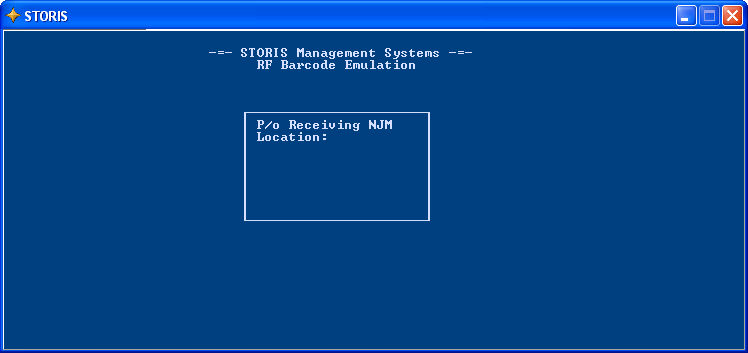
That is, you may not have access to all customers and locations.This process, which emulates the RF Bar Code Gun screen, is used with a tethered POS scanning device to receive products into inventory. The program displays a character-based entry window that looks similar to the display on the RF Gun. Inventory receiving that is completed using this window is updated in "real time" as labels are scanned. When you exit the program, the display returns to the STORIS menu screen.
Important: Prior to using this process, run the Assign Purchase Orders to a Bar Code Receiving Batch process to set up the batches.
This routine may be affected
by Regional Processing restrictions.
That is, you may not have access to all customers and locations.
 Before selecting the RF Emulation process from the menu, make sure that
you are logged in to the location that will be receiving the products.
Before selecting the RF Emulation process from the menu, make sure that
you are logged in to the location that will be receiving the products.
Once the process is selected from the menu, a screen similar to the following displays. To exit this screen, enter "E" at the Location prompt.
To return to the previous field, enter 0
(zero) or E. To exit the screen
and return to the STORIS menu, enter 0
(zero) or E at the Location field.
